The PC-Doctor Blog

Read-Only Is About Enforcement: Protecting a Multipurpose USB Device

Read-Only Is About Enforcement: Protecting a Multipurpose USB Device

Last technical review: June 29, 2026

“Read-only” sounds like a simple property: a storage device either allows changes or it does not. In practice, the phrase describes a rule enforced somewhere along the path between an application and the storage media.

That distinction becomes important when a Multipurpose USB Device (MUD) travels between Windows, macOS, Linux, ChromeOS, and computers that may not be fully trusted. A computer may report that the MUD is read-only while the device itself remains physically capable of accepting writes. Connect it to a different host—or start the same computer under a different operating system—and the rule may no longer apply.

Read more

Service Center 17 Refresh Release: Android 16 Support, Expanded Platform Compatibility, and Important Secure Boot Updates

Service Center 17 Refresh Release: Android 16 Support, Expanded Platform Compatibility, and Important Secure Boot Updates

At PC-Doctor, maintaining compatibility with evolving hardware platforms, operating systems, firmware technologies, and security requirements is an ongoing priority.

We're pleased to announce the latest Service Center 17 Refresh release, delivering expanded platform support, diagnostic enhancements, compatibility improvements, and an important update for organizations using Bootable Diagnostics on Secure Boot-enabled systems.

Read more

Best Diagnostic Software for Computer Repair Shops

Best Diagnostic Software for Computer Repair Shops

When customers hand over a laptop, desktop, workstation, or mobile device for repair, they expect more than guesswork.

They expect answers. They expect proof.

And, they expect the issue to actually be resolved the first time.

That’s why modern repair operations are moving away from inconsistent technician troubleshooting and toward standardized diagnostic workflows powered by professional hardware testing software.

Read more

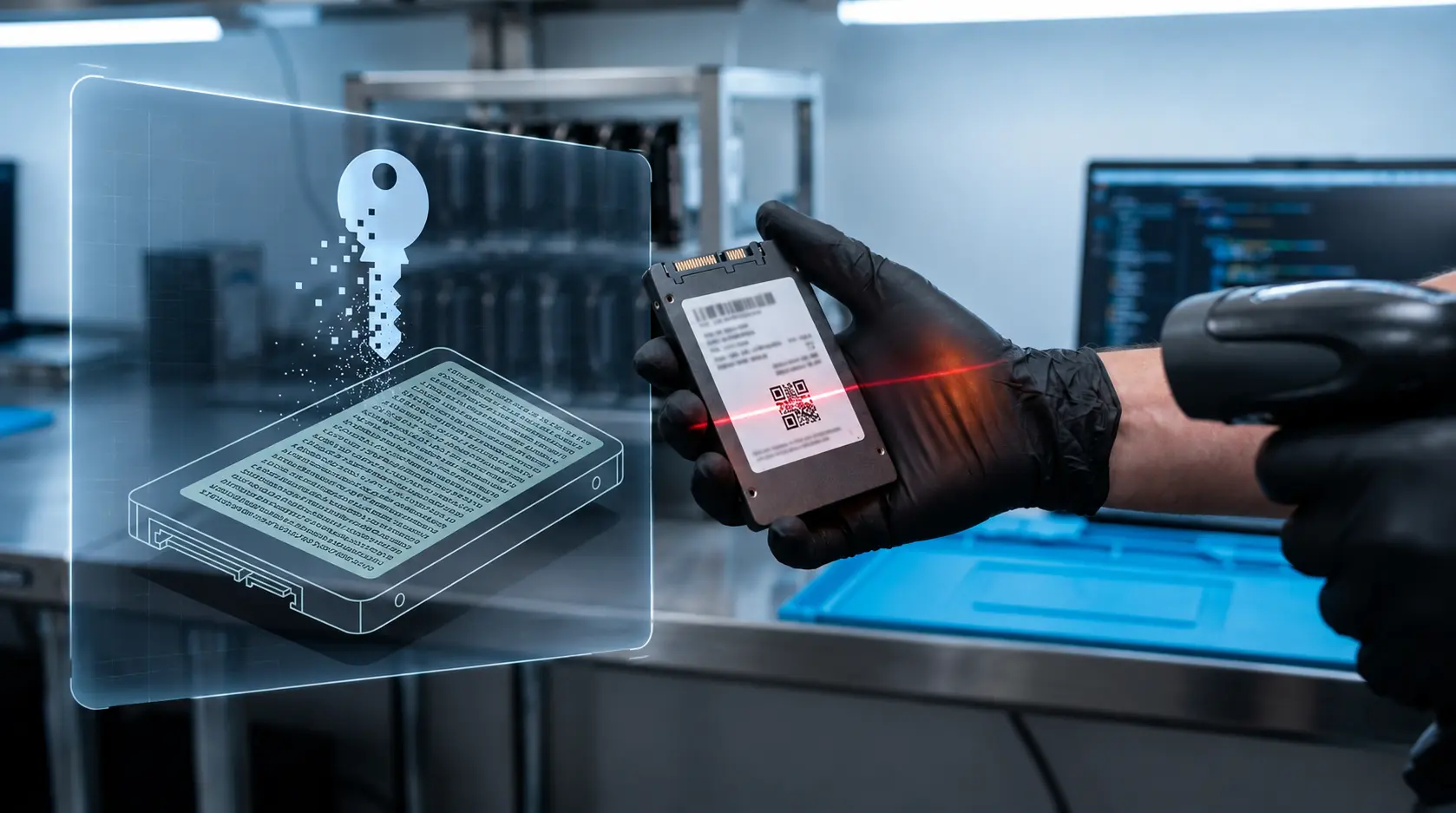
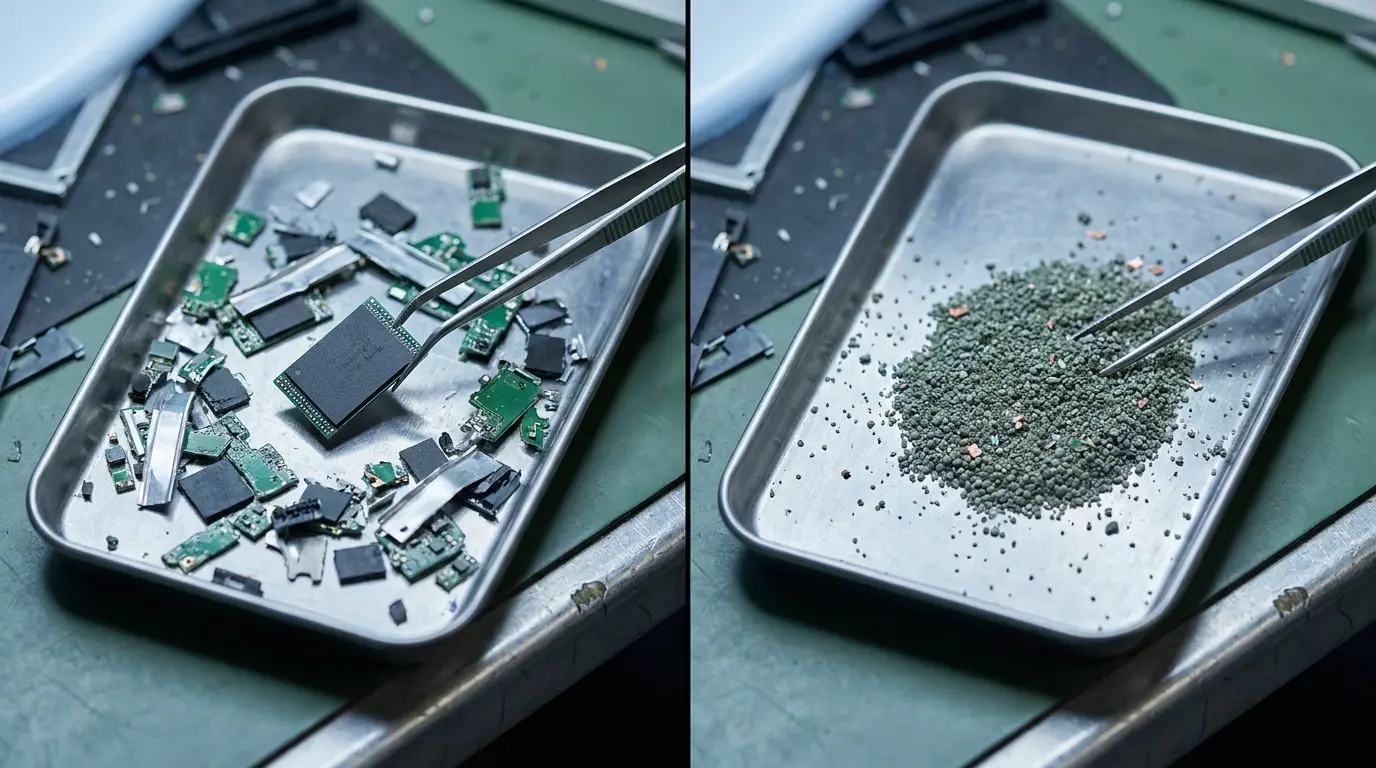
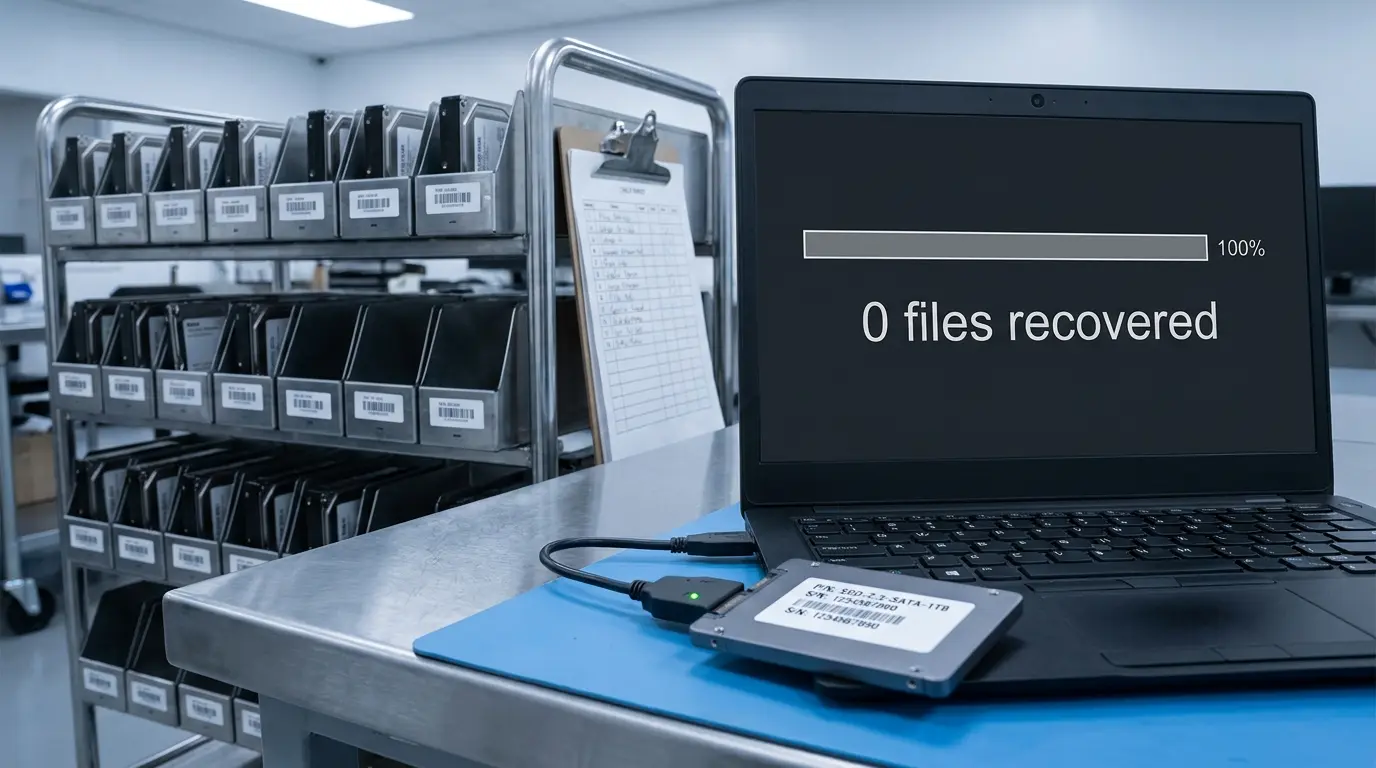
Certified Drive Erase vs "Good Enough": What’s at Risk

Certified Drive Erase vs "Good Enough": What’s at Risk

Most teams believe they’re erasing data.

They run a quick format.
Maybe a wipe utility.
Maybe even a multi-pass overwrite.

And then they move on. Because it feels like enough.

But when it comes to data sanitization, especially at scale, “good enough” isn’t a standard.

It’s a risk.

Read more

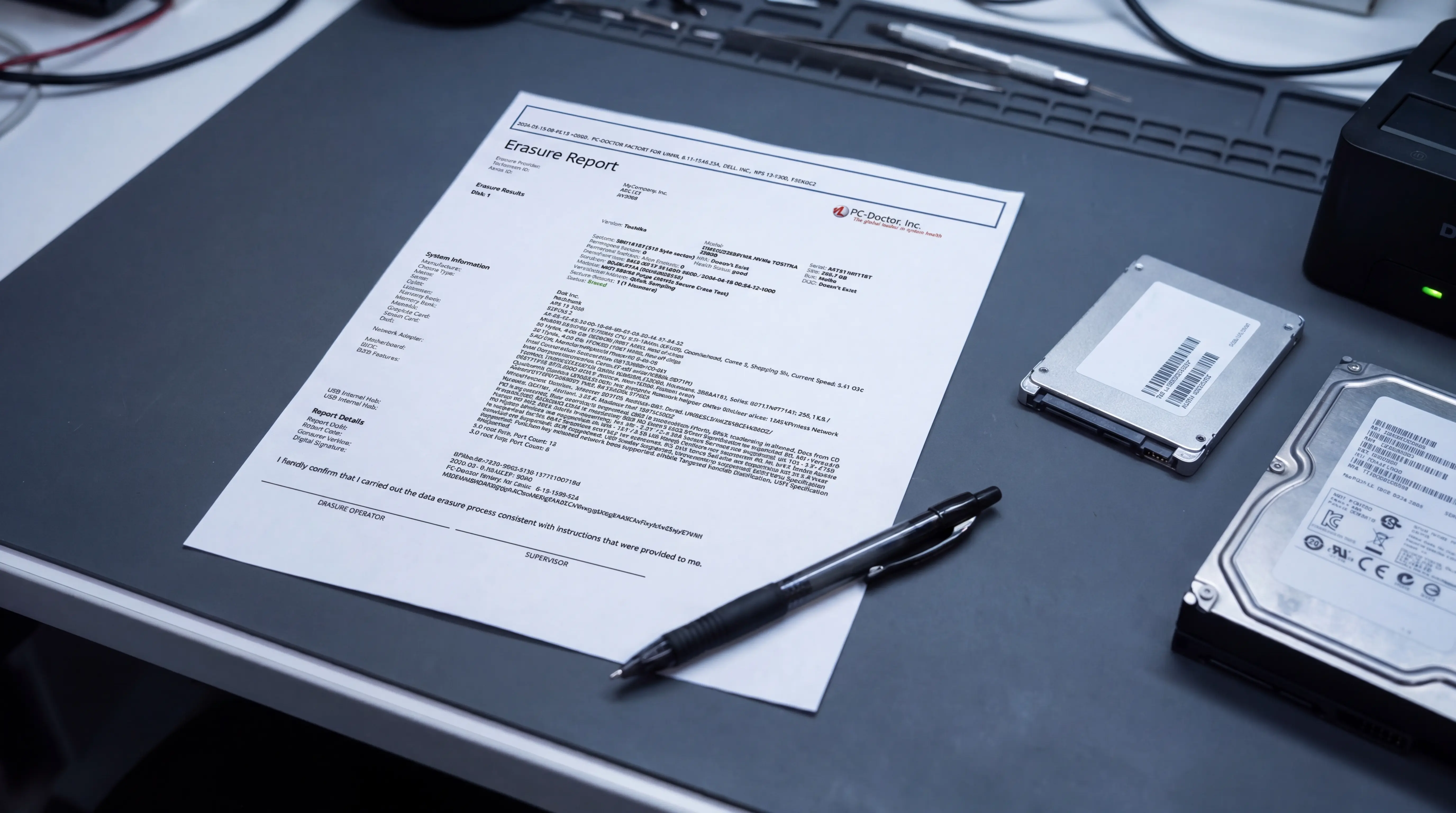
What a Defensible Repair Process Actually Looks Like

What a Defensible Repair Process Actually Looks Like

Most repair and device processing operations focus on one thing: Fixing the problem.

But in high-volume environments, that’s not enough. Because it’s not just about whether a device works, it’s about whether you can prove it works.

And that’s where most operations fall short.

Read more